OBD2 Scanner Guide: How to Choose and Use One
Choose an OBD2 scanner by the deepest job you expect most of the time: about a $20–$60 code reader for check-engine faults, a Bluetooth dongle for live data, or an all-system tool only if you need ABS, SRS, service resets, or bidirectional tests. Pick the wrong class and you may miss manufacturer codes, misunderstand pending faults, or pay hundreds for functions your car and repair plan will never use. This guide compares scanner classes, explains compatibility and protocol limits, and gives you a short first-use workflow that cuts bad reads and bad purchases.
An OBD2 scanner connects through the vehicle’s 16-pin diagnostic connector, most often mounted under the driver side of the dash near the steering column or lower knee panel, and reads data stored by the car’s computers. In the United States, 1996 model-year passenger cars and light trucks were required to use a standardized OBD system under EPA rules, but that still does not mean every scanner can reach every module, support every protocol, or include every function without app limits or paid updates (U.S. EPA, Clean Air Act OBD requirements; SAE J1962 for the 16-pin connector). (Motortrend)
For this guide, scanner classes are judged with a compatibility-first buying method: confirm vehicle year and market, identify likely protocol generation, match module coverage to the warning light or repair goal, then verify whether the tool supports the exact service function on the exact vehicle. That framework matters because a 2003 GM truck with SAE J1850, a 2012 Honda with CAN, and a 2021 model that may need CAN FD or gateway-aware access can all be “OBD2” while needing very different tool depth (SAE J1850; ISO 15765-4; manufacturer coverage charts).
Start with your repair goal
The four buyer types this guide is built
Most DIY owners fit one of four groups: a first-time owner who only wants check-engine codes, an occasional DIYer who wants live data, a newer-car owner who needs service functions, or an advanced home mechanic who wants active tests. That split matters more than a long feature list.
A basic engine code reader is enough if the goal is to read and clear emissions-related diagnostic trouble codes, check readiness monitors, and see whether a repair turned the light off. Generic OBD services for emissions diagnostics are standardized, but module depth beyond powertrain is not, which is why a basic reader may show only a code like P0171 or P0456 and still be the right tool for simple check-engine work (SAE J1979 / ISO 15031-5).
Why engine-only code reading is enough for some drivers
If the only recurring job is check-engine diagnosis on one household vehicle, engine-only access covers a lot.
That does not make it a diagnosis tool by itself. A fault code identifies the system that set the complaint and the conditions that triggered it, but it does not by itself prove which part failed, so reading it wrong can send you to the wrong repair; that is why freeze frame and live data matter on even simple faults like lean codes and misfires (SAE J1979).
When you actually need all-system access or active tests
Move up to an all-system tool when the warning light is not check engine, or when the repair touches brakes, steering, transmission, or body electronics. Advanced scanners can access ABS, airbags, transmission, and body control module systems, and some may also offer service functions like oil reset and steering angle sensor calibration, but those functions are manufacturer specific rather than guaranteed by baseline OBD-II rules (manufacturer service information; SAE J1979 scope).
If the vehicle is newer, check for CAN FD or DoIP support before buying. CAN FD is standardized in ISO 11898-1 and is used on a growing number of late-model platforms, while DoIP is standardized in ISO 13400 for diagnostics over IP; cheaper readers often stop at older OBD-II communication layers and may only provide generic emissions access.
📊 OBD2 systems became standardized nationwide in 1996 in the United States. Source: Motortrend.
Will any OBD2 scanner work on your car?
No. A 1996-and-newer U.S. vehicle should have OBD2 support and an accessible 16-pin port, but that only guarantees a baseline emissions interface. Actual scanner compatibility still depends on protocol support, vehicle year, make, model, engine, app support, and whether the tool can access the modules or service functions you need (EPA OBD requirements; SAE J1962; SAE J1979).
What 1996-plus really guarantees and what it does not
In the United States, 1996 model-year vehicles moved to the federally standardized OBD2 emissions system. In Europe, EOBD became mandatory for new gasoline passenger cars from 2001 and diesel passenger cars from 2004 under EU emissions rules. Those dates help with baseline engine diagnostics, not with full module access (European Commission emissions regulations; ISO 15031 framework).
The OBD2 port is typically under the driver side dash, often near the steering column, fuse-box area, or lower trim panel. Port presence is not proof that a scanner can read ABS, airbag, transmission, or body modules on that vehicle because those systems often use manufacturer-defined access paths and functions beyond generic OBD modes (SAE J1962; SAE J1979).
Protocol support matters
Most modern vehicles use CAN for legislated OBD communication, and for U.S. vehicles CAN became mandatory for OBD beginning with the 2008 model year under EPA and CARB rules; that common OBD protocol is standardized in ISO 15765-4. Earlier OBD-II vehicles may use ISO 9141-2, ISO 14230-4 KWP2000, SAE J1850 VPW, or SAE J1850 PWM, so a scanner that lacks the right protocol can fail to connect or return incomplete data (ISO 15765-4; ISO 9141-2; ISO 14230-4; SAE J1850; EPA/CARB OBD communications requirements).
That matters most on older cars and trucks. Some low-cost tools advertise broad compatibility but really mean generic powertrain access over common protocols, not full support for every vehicle network or every manufacturer module.
Newer compatibility limits to check
Modern platform support can fail in quieter ways. A scanner may connect to the engine computer but miss gateway-protected modules, lack CAN FD, or require a paid software tier for service resets or advanced data; those are tool-coverage issues, not signs that the vehicle “isn’t OBD2” (ISO 11898-1 CAN FD; ISO 13400 DoIP; manufacturer security gateway policies).
Bluetooth tools add another variable: the app. A good dongle with weak app support is still a weak purchase if the app loses connection, hides live-data graphing behind a subscription, or drops support for your phone operating system.
The exact compatibility checks to do before you buy
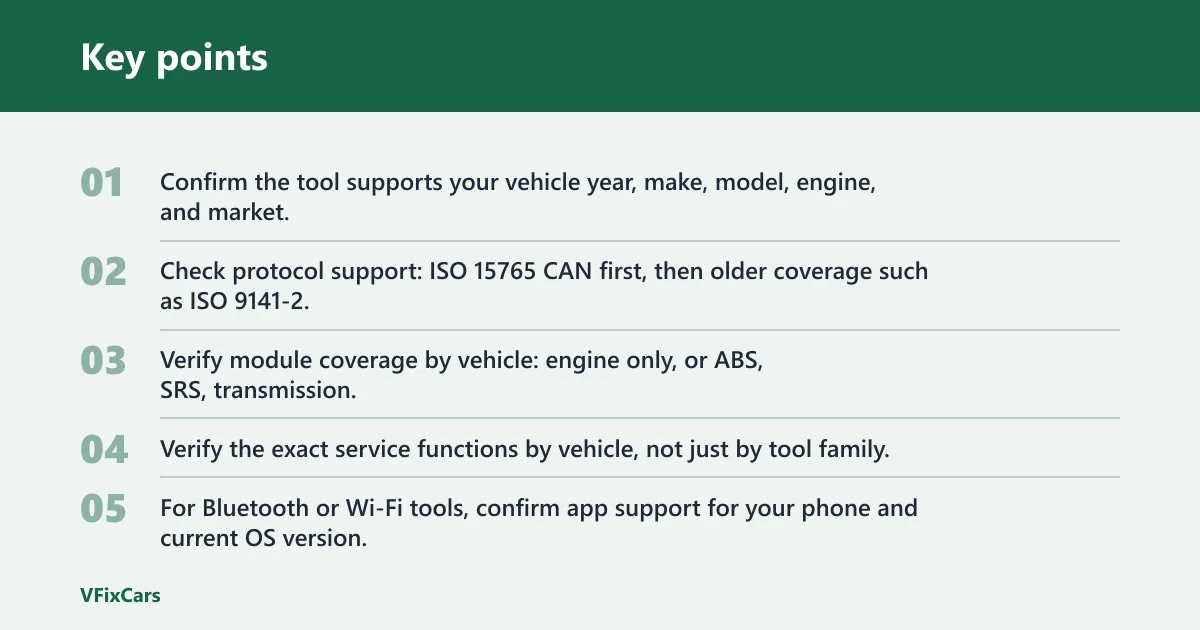
- Confirm the tool supports your vehicle year, make, model, engine, and market.
- Check protocol support: ISO 15765 CAN first, then older coverage such as ISO 9141-2, KWP2000, SAE J1850 VPM, and SAE J1850 PWM if needed.
- Verify module coverage by vehicle: engine only, or ABS, SRS, transmission, and body modules.
- Verify the exact service functions by vehicle, not just by tool family.
- For Bluetooth or Wi-Fi tools, confirm app support for your phone and current OS version.
- Read the update policy carefully, especially what “lifetime updates” excludes.
- Check the return policy in case the scanner connects but lacks the promised functions.
Compatibility checklist by vehicle age and protocol
| Vehicle group | Likely baseline | What to confirm before buying | Typical safe scanner class |
|---|---|---|---|
| 1996–2000 U.S. vehicles | Early OBD-II; CAN not guaranteed | ISO 9141-2, KWP2000, SAE J1850 VPW/PWM support; generic powertrain coverage | Basic reader or broad-protocol Bluetooth/handheld |
| 2001–2007 U.S. vehicles | OBD-II with mixed protocol use | Protocol support plus freeze frame, pending codes, readiness monitors | Basic reader or entry live-data scanner |
| 2008–mid-2010s U.S. vehicles | CAN required for OBD | ISO 15765-4 CAN; module coverage if ABS/SRS/transmission work is expected | Bluetooth scanner or all-system handheld |
| Late-model vehicles | CAN plus possible CAN FD, gateway controls, or DoIP | Vehicle-specific coverage charts, update support, CAN FD or DoIP where applicable | Current all-system handheld or advanced app-backed tool |
For a practical example, a 1999 Ford truck can still need SAE J1850 PWM support, a 2006 GM SUV may use J1850 VPW, a 2014 Toyota usually works well with a standard CAN-capable scanner for engine data, and a 2022 vehicle may need newer-network support for anything beyond generic emissions access. That is why “works on 1996+ cars” is only the starting filter, not the final answer.
Which scanner type should you buy?
Buy the simplest scanner that fully covers the work you actually do. A basic code reader fits check-engine diagnosis, a Bluetooth or Wi-Fi scanner fits live-data monitoring, a handheld all-system unit fits owners who want fewer app hassles, and a professional bidirectional tool only makes sense when active tests and deep module access are routine.
Basic code readers: the minimum useful tool
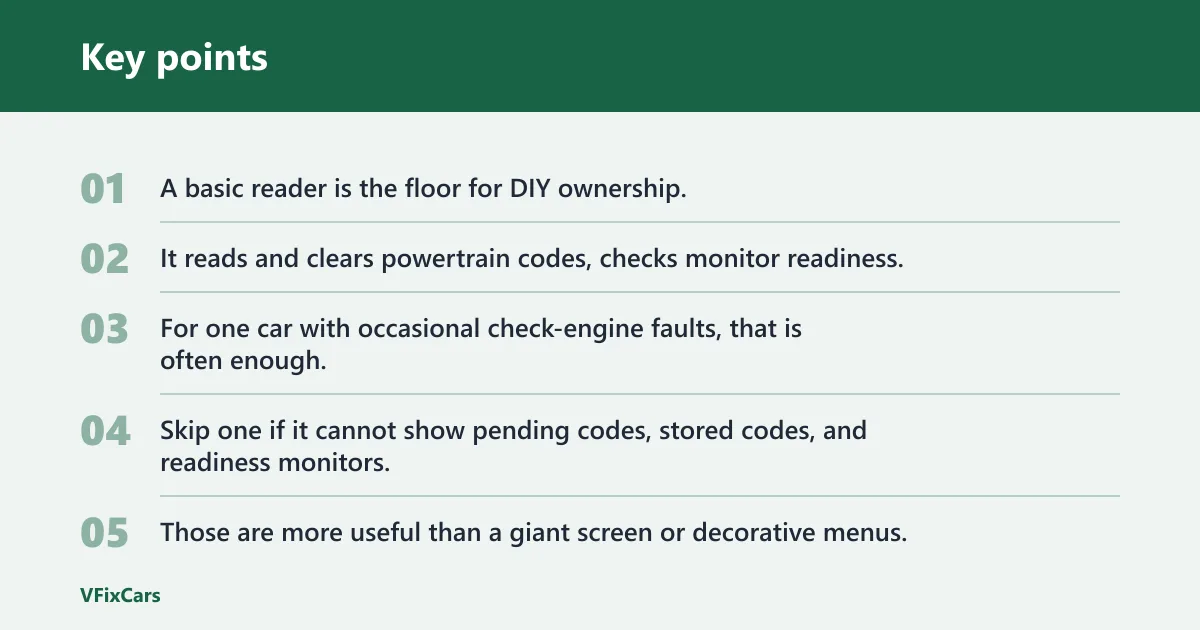
A basic reader is the floor for DIY ownership. It reads and clears powertrain codes, checks monitor readiness, and may show freeze-frame snapshots because those are among the standard emissions-related OBD services available through generic scan modes (SAE J1979 / ISO 15031-5). For one car with occasional check-engine faults, that is often enough.
Skip one if it cannot show pending codes, stored codes, and readiness monitors. Those are more useful than a giant screen or decorative menus.
Bluetooth and Wi-Fi scanners: app-driven pros and tradeoffs
Bluetooth and Wi-Fi scanners can be the best value if live data matters. OBD2 scanners can display live vehicle data and help monitor the car in real time, including coolant temperature, engine speed, and throttle position, because parameter IDs for many generic emissions data items are standardized under OBD service modes (SAE J1979). Many apps also graph data better than cheap handhelds.
The tradeoff is dependence on the phone, the app, and sometimes a paid plan. Some features that look included on the box show up only in the premium app tier.
Say your only target is a recurring P0301 misfire on one family sedan. A small Bluetooth dongle plus an app that shows misfire counters where supported, coolant temperature, and fuel trims can be more useful than a fancier handheld that only lists the code and a short text label. On a typical four-cylinder commuter, that setup gives enough evidence to compare a cold-start ignition issue against a fuel-trim or vacuum-leak pattern without paying for full bidirectional control.
Handheld and make-specific tools: better coverage, fewer phone hassles
Handheld scanners suit owners who want a self-contained tool. They usually connect faster, store reports locally, and avoid battery drain or pairing problems on a phone. Make-specific tools can go deeper on one brand, but only buy one if that brand will stay in the driveway for years.
For mixed-household fleets, a strong all-system handheld often makes more sense than a brand-locked tool. A home garage with, for example, a Honda daily driver and a GM SUV is often better served by broad all-system coverage than by a single-brand tool that cannot follow the second vehicle.
Professional bidirectional tools: who should skip them
Bidirectional scan tools command components for testing, such as fans, solenoids, or actuators, where the vehicle supports it. That is useful for advanced home mechanics and small shops. It is wasted money for drivers who only read codes a few times a year because active tests and calibrations are not part of generic OBD-II minimum requirements and depend heavily on vehicle-specific software support.
Price spread is wide in this category, and the expensive end only pays off when the extra access gets used repeatedly. If the work list does not include relearns, actuator commands, or post-repair calibrations, a simpler all-system scanner is usually the better value.
Quick comparison: scanner categories pros and cons
| Scanner category | Best for | Pros | Cons |
|---|---|---|---|
| Basic code reader | Check-engine faults and emissions readiness | Low cost, simple menus, fast code reads | Usually engine-only, limited live data, weak module coverage |
| Bluetooth or Wi-Fi dongle | Live data, graphing, occasional diagnosis | Strong app displays, portable, often best value | App dependence, phone compatibility issues, some features paywalled |
| All-system handheld | Owners needing ABS/SRS/transmission access and service resets | Self-contained, broader coverage, fewer connection hassles | Higher cost, update policies vary by brand and vehicle |
| Bidirectional professional tool | Advanced DIY and shop-level testing | Active tests, deeper module work, better reporting | Expensive, can require subscriptions, easy to overbuy |
Scanner matrix decision table
User types, must-haves, and waste to avoid
| User type | Vehicle age/protocol needs | Needed system coverage | Required functions | Unnecessary premium features | Red flags |
|---|---|---|---|---|---|
| First-time owner | 1996+ U.S. vehicle; confirm ISO 15765 CAN or older protocol support if vehicle is early OBD2 | Engine only | Stored and pending codes, code clearing, readiness monitors, freeze frame | Bidirectional control, coding, tablet-sized screen | “Works on all cars,” no pending-code support, no return policy |
| Occasional DIYer | Mixed older and newer vehicles; needs CAN plus older ISO 9141-2, KWP2000, and J1850 coverage | Engine first, optional transmission data | Live data, graphing, freeze frame, VIN auto-detect if supported, Mode $06 if supported | Dealer-level coding, subscription-only cloud reports | Weak app reviews, unstable Bluetooth, generic-only code descriptions |
| Newer-car owner needing service functions | Late-model vehicle; verify CAN FD or DoIP where required | All-system access including ABS, SRS, transmission, body modules | Service resets by vehicle, live data, module scans, update support | Oscilloscope add-ons, broad truck coverage you will not use | “Lifetime updates” with exclusions for new models or premium functions |
| Advanced home mechanic | Multiple vehicles, older and newer protocols, plus CAN FD or DoIP if needed | Full-system diagnostics | Active tests, bi-directional control, graphing, data recording, service functions, module identification | Brand-specific software bundles for makes you never touch | Missing vehicle coverage charts, paywalled active tests, vague bidirectional claims |
What features actually matter?
The best scanner features are the ones that reduce wrong decisions: freeze frame, readiness monitors, live data, and dependable vehicle coverage. Graphing, VIN detection, and service resets matter next. Bidirectional control, coding, and deep brand functions only matter when the repair plan truly calls for them, because they often trigger higher tool cost or paid updates.
Must-haves for most buyers
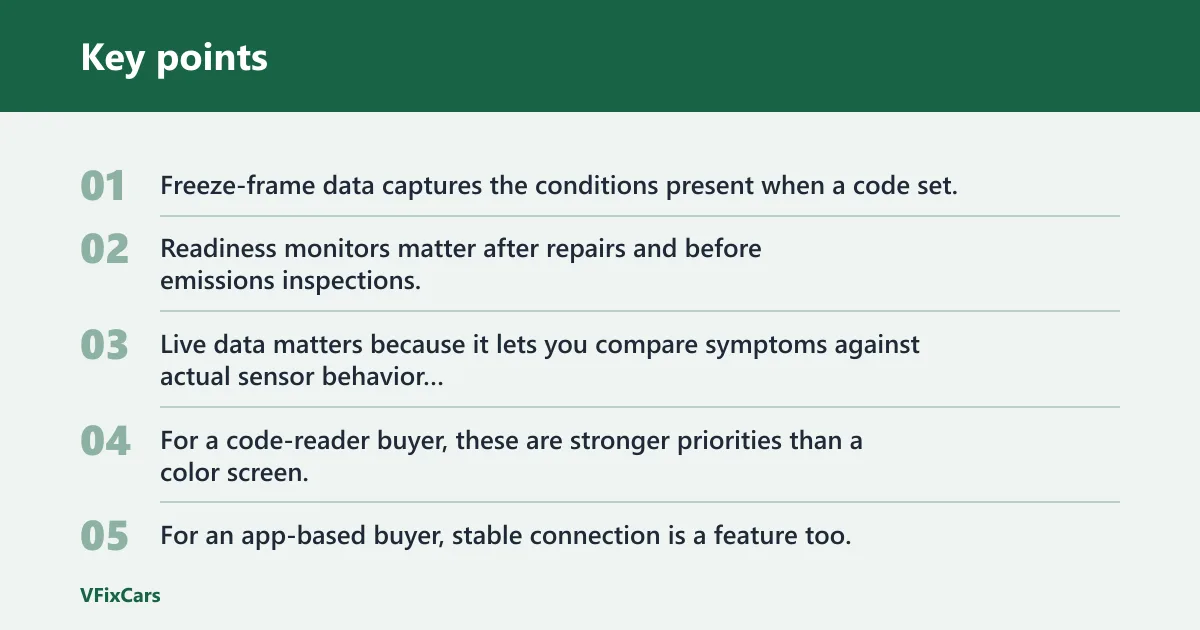
Freeze-frame data captures the conditions present when a code set. Readiness monitors matter after repairs and before emissions inspections. Live data matters because it lets you compare symptoms against actual sensor behavior instead of trusting a short code description; all three are core parts of standard OBD diagnostic use, although PID availability still varies by vehicle and scan mode (SAE J1979; EPA inspection/readiness guidance).
For a code-reader buyer, these are stronger priorities than a color screen. For an app-based buyer, stable connection is a feature too.
Useful next-step features
Graphing helps when a value changes quickly or drifts under load. VIN auto-detect saves time on newer vehicles when the scanner and vehicle support it. Mode $06, where supported, can expose on-board monitor test results that never triggered a warning light but may still point toward a weak component (SAE J1979 Mode $06 definitions).
Service resets are worth paying for only if they are confirmed for your exact vehicle. Tool pages often advertise resets broadly, then limit support by model or engine.
Advanced functions that many DIY owners can skip
ABS and airbag access matter when those warning lights are on. Coding and bidirectional control matter when a part needs calibration, relearn, or commanded operation for testing. Otherwise, they sit unused while adding cost and update complexity.
Suppose the only problem is an EVAP small-leak code like P0456 on a daily driver that runs normally. Paying extra for injector coding, battery registration, or brake bleeding functions does nothing for that repair path.
Subscription and update fine print
Read the words around “lifetime updates.” Some tools mean lifetime bug fixes for the hardware you bought, not guaranteed support for future model years, newly added service functions, or premium app features. Others include software updates but charge for advanced brand packs.
That risk is easy to miss because the box may promise broad capability while the app, module coverage, or latest vehicle support sits behind another payment step.
Minimum features by repair goal
| Repair goal | Minimum features to require | Nice-to-have extras |
|---|---|---|
| Clear a check-engine light after basic repair | Stored/pending codes, freeze frame, readiness monitors, code clearing | Permanent code display, VIN auto-detect |
| Track a recurring misfire or lean condition | Live data, graphing, freeze frame, fuel trim access where supported | Mode $06, data logging |
| Diagnose ABS or airbag warning light | Vehicle-specific ABS/SRS coverage | Module identification, code descriptions, report export |
| Handle common maintenance resets | Confirmed oil/service reset support for the exact vehicle | Battery reset, EPB, SAS functions where relevant |
| Test components and perform relearns | Bidirectional control and confirmed active-test coverage | Recording, guided functions, broader manufacturer software |
If the goal is still unclear, start with a stronger foundation page before buying: an internal primer on OBD-II basics or a related scanner-troubleshooting page is usually more useful than jumping straight from a code to electrical tool choices. That context helps separate generic emissions access from true all-system diagnostics.
How do you use an OBD2 scanner correctly?
Use a repeatable workflow: connect with the key off, switch to key-on engine-off for the first scan, read stored and pending codes before starting the engine, save freeze-frame data, then move to engine-running live data only when needed. This order avoids missed pending faults, overwritten evidence, and false conclusions caused by clearing too early.
Find the port and connect with the key off
The OBD2 port is usually located below the driver-side dashboard, consistent with the standardized 16-pin DLC location requirements used for emissions diagnostics (SAE J1962). Plug the scanner into the 16-pin connector with the ignition off first. That lowers the chance of rushed menus, failed pairing, or accidental code clearing before any data is saved.
Use the right ignition state
Key-on engine-off is the best first state for an initial scan. It powers modules for code retrieval without adding fresh running data that can distract from the stored fault record.
Start the engine only when the next task requires it, such as live data review, idle-related diagnosis, or monitor checks that need the vehicle running. The car does not need to be running just to pull codes because stored DTCs and freeze-frame data are retained by the control module (SAE J1979 service access behavior).
Pull codes in the right order
- Connect with key off.
- Turn the ignition to key-on engine-off.
- Run a full scan or engine scan.
- Record stored codes first.
- Record pending codes next.
- Check for permanent codes if the tool shows them.
- Save freeze-frame data before clearing anything.
- If needed, start the engine and review live data.
A common first-timer mistake is starting the engine before the first scan, then clearing the light right away. That can erase freeze-frame clues and make a return fault harder to sort. For scanner connection failures or no-read problems, the better next step is an OBD-II scanner troubleshooting page rather than guessing at the vehicle or replacing parts.
What to capture before clearing
Write down or save the code list, freeze frame, readiness status, and any obvious live-data values tied to the complaint. On a drivability fault, coolant temperature, engine speed, throttle position, and fuel trims where supported can tell more than the code title alone.
If the scanner can export a report, keep it. If not, a phone photo of each screen works fine. On a P0301 example, a saved freeze frame showing whether the event happened cold at idle or warm under load is far more useful than the code label by itself.
How do you read OBD2 codes without guessing?
Read the code family first, then the conditions around it. A code tells you which system reported a fault, not which part must be replaced. Use freeze frame and live data to decide whether the next step is inspection, basic testing, or a broader module scan instead of jumping from a code number to a part order.
What the first letter means
P codes are powertrain related. B codes point to body systems. C codes relate to chassis systems. U codes involve network communication. That first letter immediately tells you whether a basic engine-only reader is enough or whether the problem likely needs all-system access; those code families are standardized in OBD diagnostic definitions (SAE J2012 / ISO 15031-6).
Examples that show why lookup alone is weak
P0171 points toward a lean condition, not a guaranteed bad oxygen sensor. P0456 suggests a small EVAP leak, often sending the repair toward cap sealing, hose issues, or leak testing. P0301 flags a cylinder 1 misfire, but the cause could be ignition, fuel, compression, or wiring. U0100 indicates lost communication, which often needs network-aware diagnostics. Standardized DTC descriptions describe the fault domain, not a mandatory parts list (SAE J2012 / ISO 15031-6).
A basic scanner may show only a code like P0171 or P0456. That is useful, but it is still only the starting point.
How live data changes the next step
Live data can confirm whether the car is cold, warm, idling normally, or reacting to throttle. Coolant temperature, engine speed, and throttle position are standard examples. Fuel trims, when the tool and vehicle support them, are often more useful than the stored code description on air-fuel faults because they show the control module’s correction strategy in real time (SAE J1979 generic PID data).
Picture a P0171 with normal coolant temperature but strongly positive fuel trims at idle that improve off idle. That points the next check toward vacuum leaks before expensive sensor guesses. The same logic helps on a P0456: if the vehicle runs normally and only the EVAP code returns, a smoke-test path or cap-seal inspection is usually more logical than unrelated engine-part replacement.
When should you clear codes and rescan?
Clear codes only after saving evidence and completing a repair or a specific diagnostic step that calls for a reset. Clearing too early removes freeze-frame context, resets readiness monitors, and can hide an intermittent fault. The right workflow is capture, repair, clear once, drive, then rescan for returning stored or pending codes.
When clearing is useful
Clear codes after a confirmed repair, after tightening a loose gas cap and checking for return faults, or after replacing a part that requires a fresh monitor run. Clearing can also help verify whether a symptom returns under the same conditions.
What happens after clearing
Readiness monitors reset after many code-clearing events.
That is why readiness monitor access belongs on even a simple code reader.
A repeatable rescan workflow
- Save codes and freeze frame.
- Perform the repair or inspection step.
- Clear codes once.
- Drive normally until the fault either returns or monitors begin to reset.
- Rescan for stored, pending, and permanent codes.
- Check readiness before any inspection appointment.
Common buying mistakes and false claims
“Full-system” claims that really mean generic engine access
Some listings stretch the phrase. True all-system access should name modules such as ABS, SRS, transmission, and body control, then show vehicle-specific coverage notes. If the listing only talks about generic OBD2 functions, assume engine access first and ask questions before buying, because generic OBD and manufacturer-level diagnostics are not the same thing (SAE J1979 scope versus vehicle-specific diagnostics).
Update plans that sound wider than they
Paid updates are not always bad. They can be reasonable on tools that add vehicle coverage over time. The problem starts when the purchase page leaves out that newer vehicles, premium app screens, or advanced service functions need an extra subscription.
Cheap dongles with weak app support
The hardware may connect fine while the app does the real limiting. Watch for stale app updates, missing phone support, unstable pairing reports, or a free version that blocks freeze frame, graphing, or code clearing.
MotorTrend says OBD2 scanners can save money by helping owners inspect vehicles themselves. That only holds if the tool can reliably show the data the repair decision depends on and if the buyer verifies compatibility first. A dongle that reads one generic code but cannot hold a connection during a road test is still the wrong tool for a recurring drivability complaint.
Frequently asked questions
How do I use an OBD2 scanner?
Plug it into the OBD2 port with the key off, switch to key-on engine-off, scan for stored and pending codes, save freeze-frame data, and only then start the engine if live data is needed. Clear codes only after recording the evidence and completing a repair step.
What OBD2 scanner should I buy?
Buy by job depth, not by the biggest feature list. A basic reader fits check-engine work, a Bluetooth dongle fits live data and app-based monitoring, and an all-system handheld fits ABS, airbag, transmission, and service-function needs. Bidirectional tools only make sense for advanced diagnostics.
How do I read an OBD2 scanner code?
Start with the code family letter: P for powertrain, B for body, C for chassis, U for network. Then check freeze frame and live data before deciding on parts. A code like P0301 or P0171 points to a system problem, not an automatic single-part replacement.
Will any OBD2 scanner work on my car?
No. Most U.S. vehicles from 1996 onward support OBD2, but scanner success still depends on protocol support, vehicle year and engine, module coverage, and app or update limits. A scanner may read generic engine codes yet still miss ABS, SRS, or newer-network functions.
Do I need a Bluetooth scanner or a handheld one?
Choose Bluetooth if live-data graphing, phone convenience, and lower entry cost matter most. Choose a handheld if a stable self-contained tool matters more than app features. For many DIY owners, the better pick is whichever one fully supports the vehicle and modules needed.
Can an OBD2 scanner read ABS or airbag codes?
Only some can. Basic code readers usually handle generic powertrain diagnostics, while advanced scanners can access ABS, airbags, transmission, and body control modules. Even then, support is vehicle specific, so the purchase check must confirm module coverage for the exact car.
Sources
- motortrend.com
- U.S. Environmental Protection Agency, OBD and inspection/readiness guidance
- SAE J1962, diagnostic connector standard
- SAE J1979 / ISO 15031-5, emissions-related diagnostic services and PID data
- SAE J2012 / ISO 15031-6, diagnostic trouble code definitions
- ISO 15765-4, diagnostics on CAN for OBD communications
- ISO 9141-2 and ISO 14230-4, earlier OBD communication protocols
- SAE J1850 PWM/VPW, earlier OBD communication protocols
- ISO 11898-1, CAN FD
- ISO 13400, Diagnostics over Internet Protocol (DoIP)
- European Commission emissions regulations for EOBD implementation timing